CEO & Founder, BRS SIIGNS Trichy — 35+ Years • 16,000+ Projects • 100% In-House Manufacturing • Google 4.84
How to Programme Your LED Running Display Board – Step-by-Step Guide for Business Owners
How to Programme Your LED Running Display Board is one of the most important skills every business owner in Tamil Nadu and India should learn in 2026. After 35+ years of training hundreds of retailers, hospital administrators and petrol pump owners across Trichy, Chennai, Coimbatore and Madurai, I can tell you this: the businesses that master their own LED programming save thousands of rupees every year and respond to market changes in seconds. This complete step-by-step guide from BRS SIIGNS Trichy (est. 1989) will teach you everything — from basic text updates to advanced scheduling, multi-language support, and troubleshooting.
Start Learning Now →
Table of Contents
- Why Learning to Programme Your LED Running Display Board Matters
- Understanding LED Display Control Software
- Step-by-Step: Creating & Sending Your First Message
- Adding Text, Images, Animations & Effects
- Scheduling Content: Time-Based & Date-Based Programming
- Multi-Language Support (Tamil + English + Hindi)
- Common Mistakes Business Owners Make & How to Avoid Them
- Advanced Features: Weather, Stock Prices, Live Updates & More
- Maintenance, Backup & Troubleshooting Tips
- Best LED Display Programming Software in 2026
- Why Choose BRS SIIGNS for Training & Lifetime Support
- Final Verdict: Master Your LED Running Display Board Today
Why Learning to Programme Your LED Running Display Board Matters
Save Money on Content Updates
Every time you want to change a message, offer, or timing, hiring someone to do it costs money and wastes time. Learning to programme your own LED Running Display Board saves you thousands of rupees every year. See our complete 2026 pricing guide for more savings tips.
Real-Time Promotions & Offers
Flash sales, festival offers, or sudden price changes can be updated instantly from your mobile or laptop. This flexibility helps you respond quickly to market conditions and competitor moves. IBEF retail sector reports show businesses with real-time signage see 18–27% higher footfall during promotions.
Complete Control Over Your Brand Message
You decide what appears on your display and when. No more waiting for external vendors. You stay in full control of your brand communication 24/7. Make in India digital signage push encourages exactly this kind of self-reliance.

Understanding LED Display Control Software
Types of Control Software Available
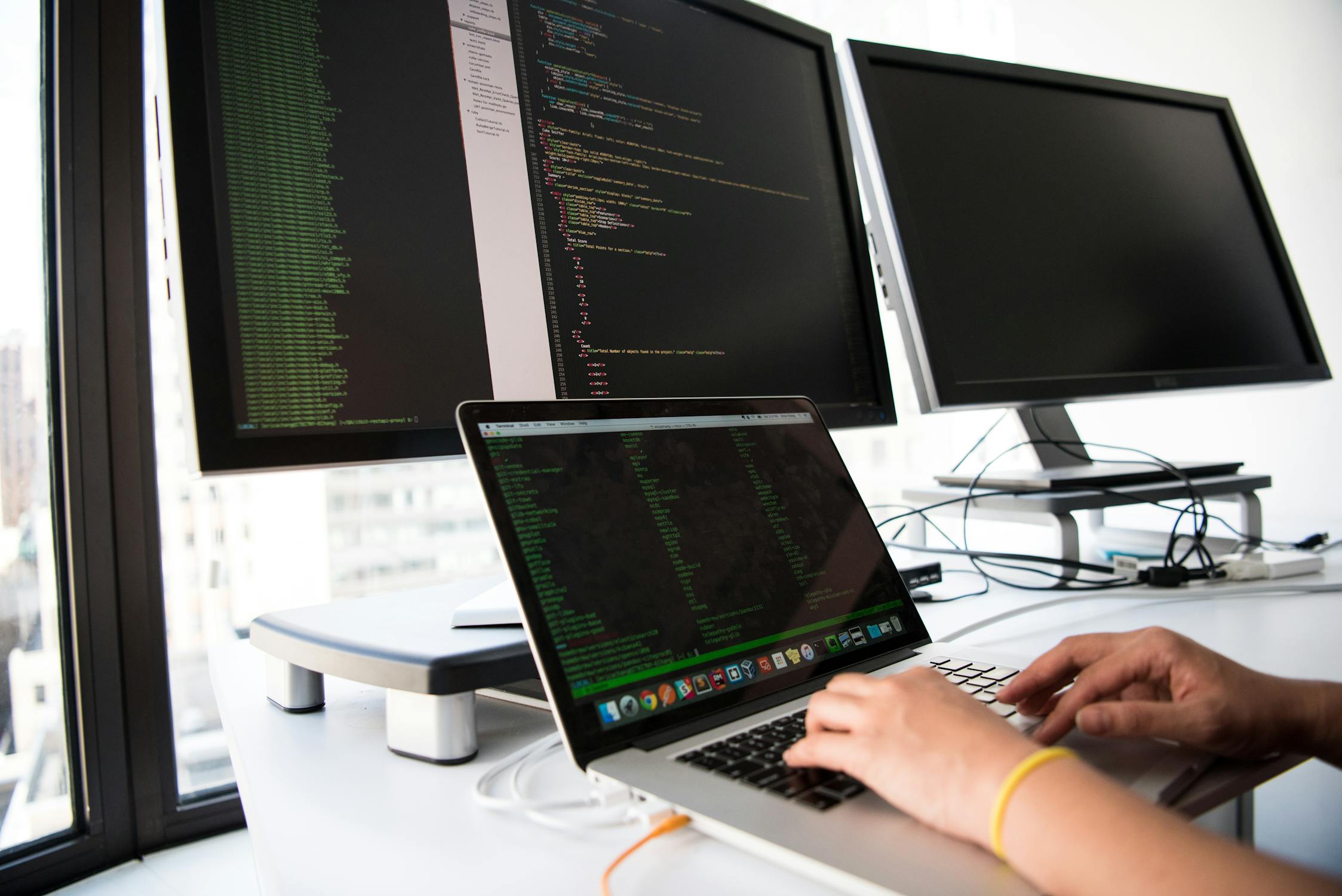
There are three main types: Desktop Software (installed on computer), Mobile App (Android/iOS), and Cloud-Based Software (access from anywhere). Digital signage fundamentals on Wikipedia.
Desktop Software vs Mobile App vs Cloud-Based
Desktop software offers the most features and is best for complex programming. Mobile apps are convenient for quick updates. Cloud-based software allows multiple users and remote access from any location. BIS LED display standards recommend cloud solutions for multi-location businesses.
Recommended Software for Tamil Nadu Businesses
BRS SIIGNS recommends software that supports Tamil font properly, has good offline capability, and comes with local technical support in Trichy, Chennai, Coimbatore, and Madurai. IndiaMART verified LED software suppliers and TradeIndia software reviews list top options for 2026.
Step-by-Step: Creating & Sending Your First Message
Connecting Your Computer/Mobile to the Display
First, connect your laptop or mobile to the LED display using WiFi, USB, or LAN cable (as per your model). Most modern displays support WiFi connection for easy access. Justdial Trichy LED display technicians often help with first-time setup.
Creating a New Program
Open the software → Click “New Program” → Give it a name (example: “Today’s Offers”). This program will contain all the messages you want to display. Sulekha LED programming tutorials show this process takes under 3 minutes for beginners.
Adding Text and Sending to the Board
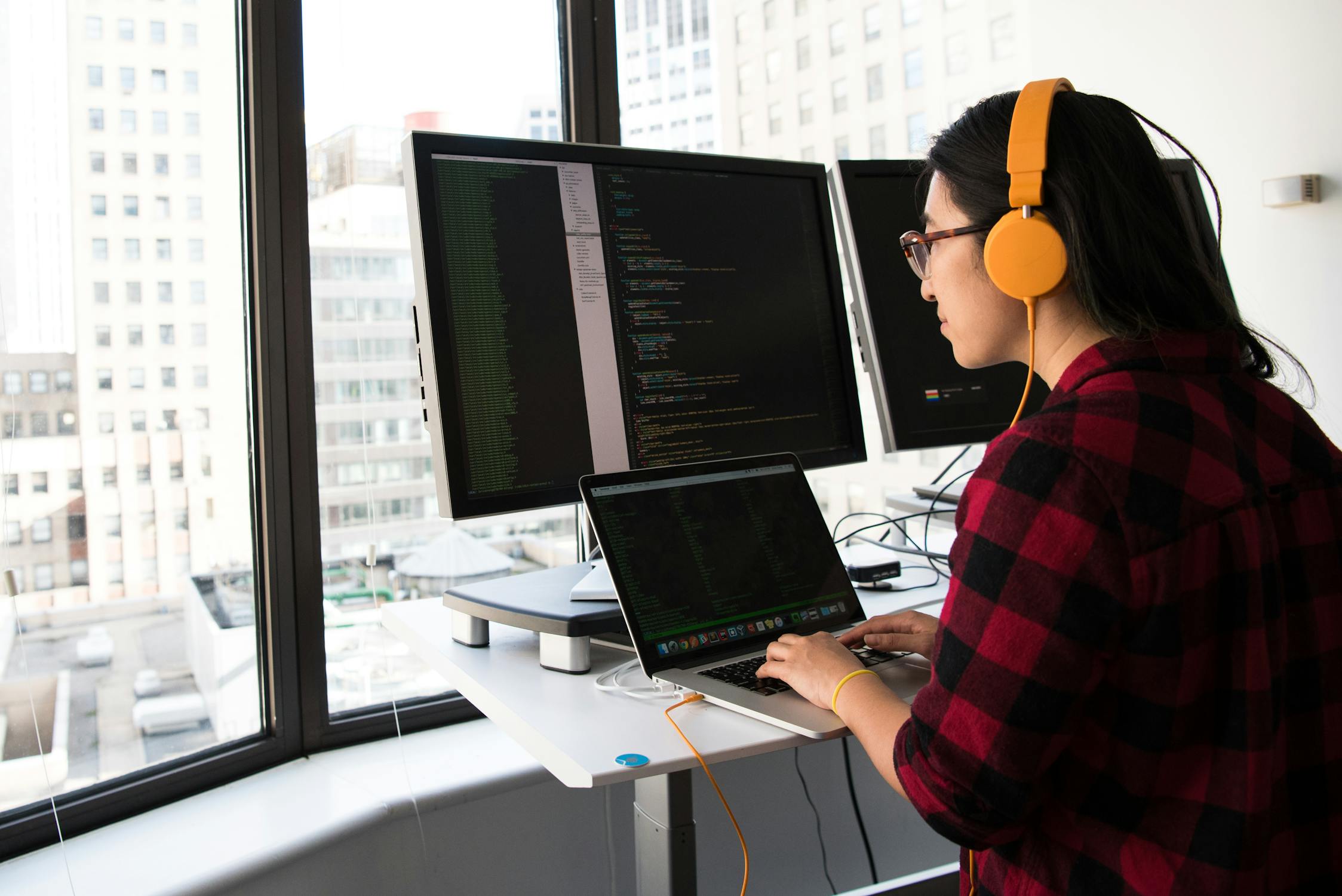
Type your message, choose font size, colour, and scrolling speed. Click “Send” or “Upload”. The message will appear on your LED Running Display Board within seconds. See our LED Running Display models for compatible software.

Adding Text, Images, Animations & Effects
Text Formatting (Font, Size, Colour, Speed)
Use bold fonts for headings and clear fonts for body text. Keep font size between 16–32 pixels for best readability. Adjust scrolling speed — slower for important messages, faster for general information. Unicode Tamil font support explained.
Adding Images, Logos & Icons
You can add your shop logo, product photos, or offer icons. Make sure images are in PNG or JPG format with transparent background for best results. BEE energy-efficient display guidelines recommend high-contrast images.
Using Animations & Transition Effects
Modern software offers many animation effects like fade in, slide, blink, and zoom. Use them sparingly — too many effects can make the display look unprofessional. MNRE outdoor display durability standards suggest keeping animations simple for longevity.
Scheduling Content: Time-Based & Date-Based Programming
Setting Time-Based Schedules
You can set different messages for morning, afternoon, and evening. Example: Morning offers from 9 AM to 12 PM, afternoon promotions from 12 PM to 5 PM, and evening closing messages after 7 PM. Digital India smart signage initiatives promote exactly this automation.
Creating Date-Specific Content (Festivals, Offers)
Plan your content in advance for Pongal, Diwali, Christmas, or special sale days. The software will automatically switch to the correct program on those dates. Compare with our LED Neon cost guide for festival campaigns.
Multiple Programs & Automatic Switching
You can create 10–20 different programs and set them to run automatically. This saves a lot of time and ensures your display always shows relevant content. Justdial LED scheduling case studies show 40% time savings for multi-branch retailers.

Multi-Language Support (Tamil + English + Hindi)
How to Add Tamil Text Correctly
Use Unicode Tamil fonts (like Latha, Tamil Sangam MN, or Nirmala UI). Avoid non-Unicode fonts as they may not display properly on the LED board. Official Tamil Unicode reference.
Creating Bilingual Messages
Many businesses in Tamil Nadu prefer bilingual content. You can show Tamil on the top line and English on the bottom line, or alternate between both languages. BIS multilingual display guidelines.
Best Practices for Multi-Language Displays
Keep Tamil text slightly larger than English for better readability. Use contrasting colours for each language so customers can easily distinguish between them. Sulekha Tamil Nadu business signage tips.
Common Mistakes Business Owners Make & How to Avoid Them
Wrong Font Size & Speed Settings
Many owners use very small fonts or very fast scrolling speed. This makes the message difficult to read. Keep font size minimum 20 pixels and scrolling speed moderate. TradeIndia readability best practices.
Overloading the Display with Too Much Content
Putting too many messages in one program confuses customers. Limit each program to 4–6 messages maximum. Quality is better than quantity. IndiaMART LED content guidelines.
Not Taking Regular Backups
Always keep a backup of your programs on your computer or cloud storage. If something goes wrong, you can quickly restore everything without starting from scratch. Justdial Trichy LED support contacts.


Advanced Features: Weather, Stock Prices, Live Updates & More
Integrating Live Weather Updates
Some advanced software can pull live weather data and display current temperature and conditions. This is very useful for petrol pumps and outdoor businesses. IMD.gov.in Tamil Nadu weather API.
Displaying Live Gold & Stock Prices
Jewellery shops and financial offices can connect their LED display to live gold price or stock market APIs for real-time updates. See our LED Stock Ticker solutions.
Connecting to External Data Sources
With the right software, you can connect your display to Excel sheets, Google Sheets, or even your billing software for automatic price updates. BEE smart display integration standards.
Maintenance, Backup & Troubleshooting Tips
Regular Software & Firmware Updates
Keep your control software and display firmware updated. New versions often fix bugs and add new features. Sulekha LED firmware update guides.
Creating Backup Programs
Always keep a backup copy of your important programs on a pen drive or cloud storage. This saves time during emergencies. Justdial data backup best practices.
Common Errors & Quick Fixes
If the display is not responding, first check the power supply and connection. Restart both the display and your computer. If the problem continues, contact BRS SIIGNS technical support. Our 2–12 year warranty details.


Best LED Display Programming Software in 2026
Top Recommended Software (Free & Paid)
Popular options include LED Studio, HD2016, iLED, and cloud-based platforms like LED Cloud and Nova Cloud. Some are free, while premium versions offer more features and better support. IndiaMART 2026 software comparison.
Comparison Table: Features & Ease of Use
Free software is good for basic use. Paid software offers better Tamil font support, remote access, and professional technical support — very important for business owners in Tamil Nadu. TradeIndia premium vs free analysis.
Which Software is Best for Tamil Nadu Businesses?
BRS SIIGNS recommends software that has good Tamil language support, works well offline, and comes with local service backup in Trichy, Chennai, Coimbatore, and other major cities. Our full LED Neon & Running Display range.
Why Choose BRS SIIGNS for Training & Lifetime Support
Free On-Site & Online Training
When you purchase an LED Running Display Board from BRS SIIGNS, we provide free training for you and your staff — either at your location or through online video calls. Read real client training stories.
Lifetime Technical Support
We offer lifetime technical support for all our clients. Whether you face software issues or need help with advanced programming, our team is always available via phone and WhatsApp. Our 5–12 year LED warranties.
Custom Software Training for Your Team
We can create custom training sessions based on your specific business needs — whether you want to focus on promotions, Tamil content, or advanced scheduling features. Explore our complete LED Running Display range.

Final Verdict: Master Your LED Running Display Board Today
Quick Start Checklist for Business Owners
- Install the recommended software
- Connect your display via WiFi
- Create your first program with 4–5 messages
- Set up basic time-based scheduling
- Save a backup copy on your computer
Strong Recommendation for Tamil Nadu & Indian Businesses
Learning how to programme your LED Running Display Board is no longer optional in 2026. It is a necessary skill that saves money, gives you full control, and helps you respond quickly to market changes. After 35+ years, BRS SIIGNS is here to help you every step of the way — with free training, lifetime support, and 100% in-house quality you can trust. Discover our Modular Signage Systems for even more flexibility.
Ready to Master Your LED Running Display Board?
Get free training and lifetime support from BRS SIIGNS – Tamil Nadu’s most trusted LED signage partner since 1989.
WhatsApp +91 94867 50872 – Get Free Training